
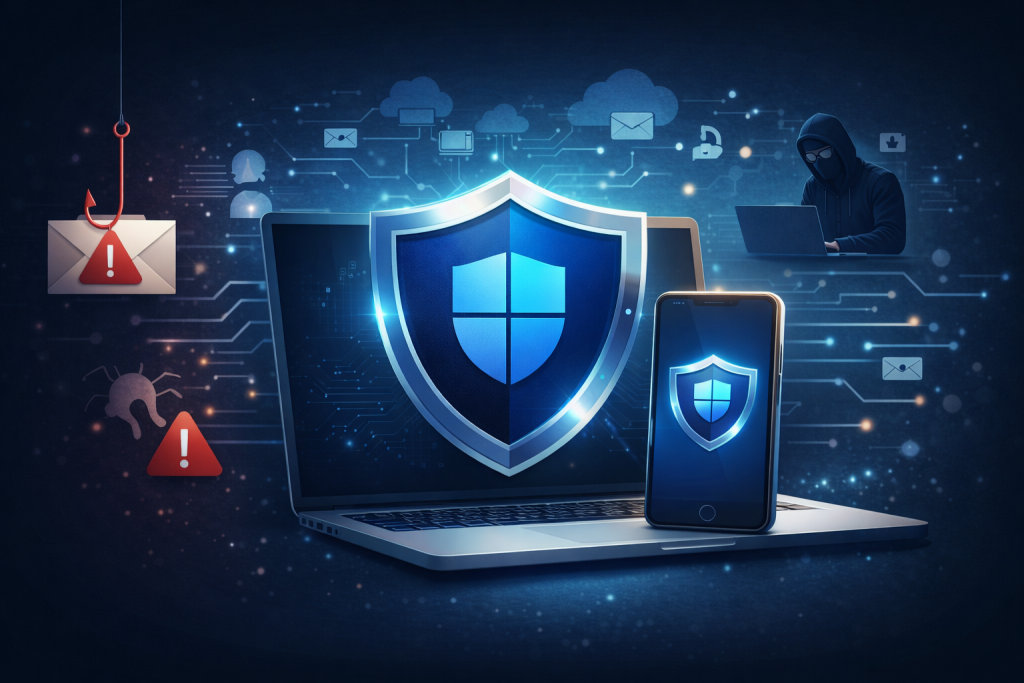
Small businesses are prime targets. Cybercriminals know many small businesses don’t have dedicated IT teams. A single click can lead to data breaches, ransomware, and financial loss.
Let’s break down the three biggest threats and how Microsoft Defender for Office 365 helps you stop them.
Phishing Emails – The Silent Trap
Story:
You’re managing invoices when an email arrives from what looks like your bank. It says there’s an urgent issue and asks you to click a link. You click, enter your details—and attackers now have your credentials.
Why It Matters:
Phishing emails trick you into giving away passwords or sensitive info. They look legitimate and urgent.
- Blocks suspicious emails before they hit your inbox
- Real-time alerts for potential scams
Malware – The Hidden Enemy
Scenario:
An invoice attachment from a “vendor” arrives. One click, and malware installs on your system, stealing data or locking files for ransom.
Why It Matters:
Malware can cripple your business overnight.
- Scans every attachment for malicious code
- Blocks harmful files before you open them
Malicious URLs – The Click That Costs You
Scenario:
Links in emails or chats lead to fake websites that capture your login details or install spyware.
Why It Matters:
Malicious URL attacks often bypass basic spam filters.
- Safe Links technology rewrites and checks URLs in real time
- Blocks access to dangerous sites—even after you click
Don’t wait until an attack happens. Let’s make your business resilient today.